
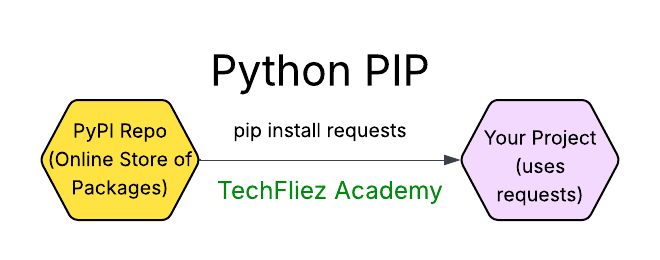
pip is the standard package manager for Python that allows you to install, upgrade, and manage external packages from the Python Package Index (PyPI) and other repositories. Here’s a quick guide on how to use pip:
You can install, upgrade, and remove packages using a program called pip. By default pip will install packages from the Python Package Index,
pip has a number of subcommands: “search”, “install”, “uninstall”, “freeze”, etc. (Consult the installingindex guide for complete documentation for pip.)
Installing a Package
To install a package, use the command:
pip install package_name
Example:
pip install requests
Installing a Specific Version
To install a specific version of a package, specify the version number:
pip install package_name==version_number
Example:
pip install numpy==1.21.0
Upgrading a Package
To upgrade an already installed package to the latest version, use:
pip install --upgrade package_name
Example:
pip install --upgrade pandas
Uninstalling a Package
To remove an installed package:
pip uninstall package_name
Example:
pip uninstall requests
Listing Installed Packages
To list all installed packages and their versions:
pip list
Python PIP – Interview Questions
Q 1: What is PIP in Python?
Q 2: How do you install a package using PIP?
Q 3: How do you upgrade a package using PIP?
Q 4: How do you uninstall a package using PIP?
Q 5: How do you list installed packages?
Python PIP – Objective Questions (MCQs)
Q1. What does PIP stand for in Python?
Q2. Which command is used to install a package using pip?
Q3. Which command lists all installed Python packages?
Q4. How can you uninstall a Python package using pip?
Q5. Which command is used to check the version of pip installed?