
Introduction
In this tutorial, you will learn the concept of JavaScript Async/Await
Async/Await is used to handle asynchronous operations such as API requests, file loading, or database queries.
Developers used callbacks and later Promises, and now using Async/Await approach.
What is Async/Await in JavaScript?
Async/Await is a modern syntax in JavaScript used to handle asynchronous code.
It is built on top of JavaScript Promises, but it looks similar to synchronous code.
Important Things:
- async makes a function return a Promise.
- await pauses execution until the Promise resolves.
Why Async/Await is Important
Initially, developers used Callback Functions and Promises, and now use Async/Await.
What are the problems with older methods?
There are some problems when we use older methods.
- Callback Hell.
- It is very difficult to handle error handling.
- It is very Hard to read code.
Note: Async/Await solves these issues by making asynchronous code look like normal sequential code.
Basic Syntax
async function getData() {
  let response = await fetch("https://api.example.com/data");
  let data = await response.json();
  console.log(data);
}
getData();
Explanation:
- async → declares an asynchronous function.
- await → waits for the Promise to resolve.
- Code runs in a top-to-bottom, readable way.
Example Without Async/Await (Using Promise)
fetch("https://api.example.com/data")
.then(response => response.json())
.then(data => {
  console.log(data);
})
.catch(error => {
  console.log(error);
});
Example Using Async/Await
async function loadData() {
  try {
    let response = await fetch("https://api.example.com/data");
    let data = await response.json();
    console.log(data);
  } catch(error) {
    console.log(error);
  }
}
loadData();
Note: This example is very easy to read and maintain.
Async/Await vs Promise
| Feature | Promise (.then) | Async/Await |
|---|---|---|
| Code Readability | Moderate | Very High |
| Syntax | .then() chaining | Synchronous-like syntax |
| Error Handling | .catch() | try…catch |
| Learning Curve | Medium | Easy |
| Modern Usage | Common | Very Common |
Error Handling with Async/Await
You can handle errors through try and catch
async function getUser() {
  try {
    let res = await fetch("https://api.example.com/user");
    let user = await res.json();
    console.log(user);
  } catch(err) {
    console.log("Error:", err);
  }
}
When Should You Use Async/Await?
Async/Await is commonly used when you are working with the following things.
- When you call the API.
- It is used for Database queries.
- It is used for File uploads/downloads.
- It is used for Timers and delays.
- It is used for Server requests.
Note: It is widely used in frameworks like Angular, React, and Node.js
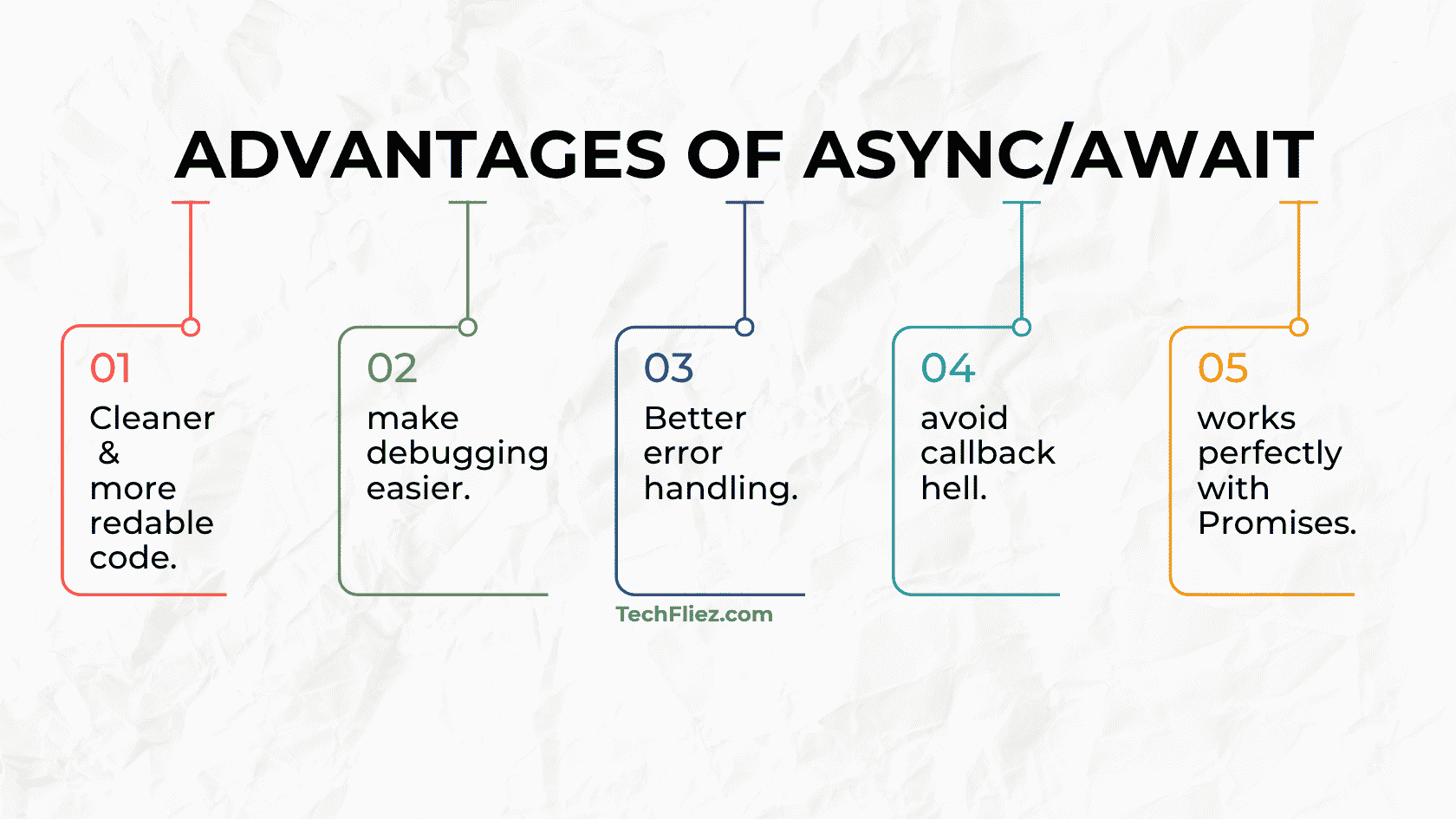
Advantages of Async/Await
There are many advantages of Async/Await.
- When we use async/await then code will be cleaner and more readable.
- It is used to make debugging easier.
- It is used for Better error handling.
- It is used to avoid callback hell.
- It works perfectly with Promises.
Real-Life Example of Async/Await in JavaScript
Fetching User Profile from an API
Suppose you logged into the website, then the system needs to fetch the user’s profile information from a server. Since the data comes from a server, it takes time, so this is an asynchronous operation.
Using async/await, we can write asynchronous code that looks simple and similar to synchronous code.
Example:
function fetchUserProfile() {
    return new Promise(function(resolve) {
        setTimeout(function() {
            resolve({
                name: "John",
                email: "john@abc.com",
                role: "Admin"
            });
        }, 2000);
    });
}

async function displayUserProfile() {
    console.log("Fetching user profile...");

    let user = await fetchUserProfile();

    console.log("Name:", user.name);
    console.log("Email:", user.email);
    console.log("Role:", user.role);
}

displayUserProfile();
Output:
Email: john@abc.com
Role: Admin
Explanation:
- The async keyword is used to declare an asynchronous function.
- The await keyword pauses the execution until the Promise is resolved.
- fetchUserProfile() returns a Promise that simulates fetching data from a server.
- Once the data is received, the program continues execution.
Interview Questions
Q 1: What is async/await in JavaScript?
Q 2: What does the async keyword do?
Q 3: What does the await keyword do?
Q 4: Can we use await without async?
Q 5: Why is async/await better than Promises?
JavaScript Async/Await – Objective Questions (MCQs)
Q1. Which keyword is used to declare an async function?
Q2. The await keyword can be used only inside ______.
Q3. What does an async function always return?
Q4. await pauses execution until the Promise is ______.
Q5. Async/Await is built on top of ______.
Conclusion
Async/await is a modern JavaScript feature, and it is used to handle asynchronous programming. It is built on top of Promises and allows developers to write asynchronous code in a clear and readable way.
Async/await is widely used in real-world applications such as API requests, database calls, authentication systems, and file operations.