
In this tutorial, you will clear the concept of Cannot Read Properties of Undefined in JavaScript.
Introduction
This is one of the most common errors in JavaScript.
Note: This error happens when you try to access a property or method from a variable that is undefined.
Example:
let user;
console.log(user.name);
Output:
Explanation:
When you try to access user.name then gets undefined because the name property is not defined.
Why This Error Happens?
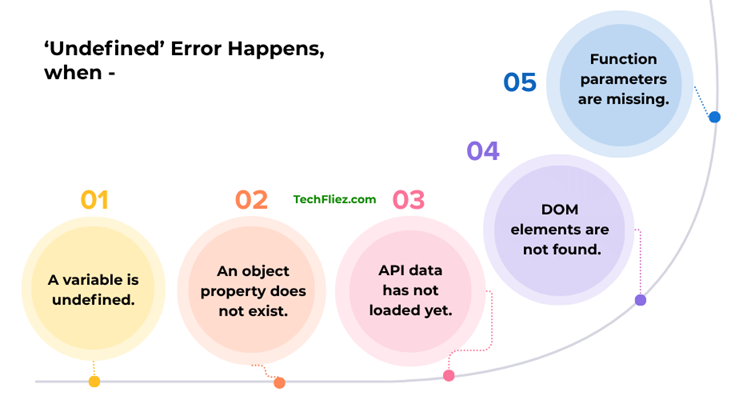
There are many reasons to happen this error.
1. A variable is undefined.
2. An object property does not exist.
3. API data has not loaded yet.
4. DOM elements are not found.
5. Function parameters are missing.
Example 1: Accessing Property of Undefined
Example:
let user;
console.log(user.age);
Output:
How to Fix it?
let user = { age: 35 };
console.log(user.age);
Output:
Example 2: Missing Object Property
Example:
let user = {
  name: "John"
};
console.log(user.address.city);
Error:
Reason:
Because the address does not exist.
Fix through Optional Chaining
In optional channing, you will use a query string (?).
Example:
console.log(user.address?.city);
Output:
Note: No error occurs if you use a query string (?).
Example 3: API Data Not Loaded Yet
Suppose the API data is not loaded yet.
Example:
console.log(data.user.name);
How to Fix?
1. Fix through the If condition.
if(data && data.user){
   console.log(data.user.name);
}
2. Fix through Optional Channing.
console.log(data?.user?.name);
Example 4: DOM Element Not Found
In the example below, you will see a DOM element not found.
Example:
let element = document.getElementById("title");
console.log(element.innerText);
Note: If the element doesn’t exist means the element is null.
Fix this issue
You can fix it through a conditional operator.
let element = document.getElementById("title");
if(element){
   console.log(element.innerText);
}
How to Fix When I get “Cannot Read Properties of Undefined”
| Method | Description | Example |
|---|---|---|
| Optional Chaining | Safely access nested properties | user?.address?.city |
| Default Values | Use fallback value | user.name || “Guest” |
| Condition Check | Check variable before use | if(user) |
| Array/Object Initialization | Initialize variables | let user = {} |
| API Loading Check | Ensure data is loaded | if(data) |
Best Modern Solution is Optional Chaining
The best modern solution is Optional Chaining because it prevents this error.
Example:
let user;
console.log(user?.name);
Output:
Note: When we use Optional Chaining, no error will occur.
Real-World Example
Suppose you have a users array with user names.
Example:
const users = [
  {name: "John"},
  {name: "Tom"}
];
console.log(users[2].name);
Error:
Fix the error through optional chaining:
console.log(users[2]?.name);
Output:
Interview Questions
Q 1: What does “Cannot read properties of undefined” mean in JavaScript?
Q 2: What are common causes of this error?
2. Not initializing variables
3. Incorrect API response handling
4. Accessing array elements out of bounds
5. Async data not loaded yet
Q 3: How can you fix this error?
2. Check if variable exists before accessing
3. Provide default values
4. Validate API data
5. Initialize variables properly
Q 4: What is optional chaining in JavaScript?
let user = {};
console.log(user?.profile?.name); // undefined (no error)
Q 5: What is the difference between undefined and null?
null → intentionally assigned empty value
Conclusion
Mostly, Beginners face errors like “Cannot read properties of undefined”. It’s one of the most common issues in JavaScript, especially when working with dynamic data, APIs, or user inputs.
You can easily prevent errors with proper coding practices. Using techniques like optional chaining (?.), default values, and data validation can make your applications more robust and error-free.
Understanding why this error occurs not only helps you debug faster but also improves your overall JavaScript skills. By writing defensive code and handling edge cases, you can ensure smoother user experiences and more reliable applications.